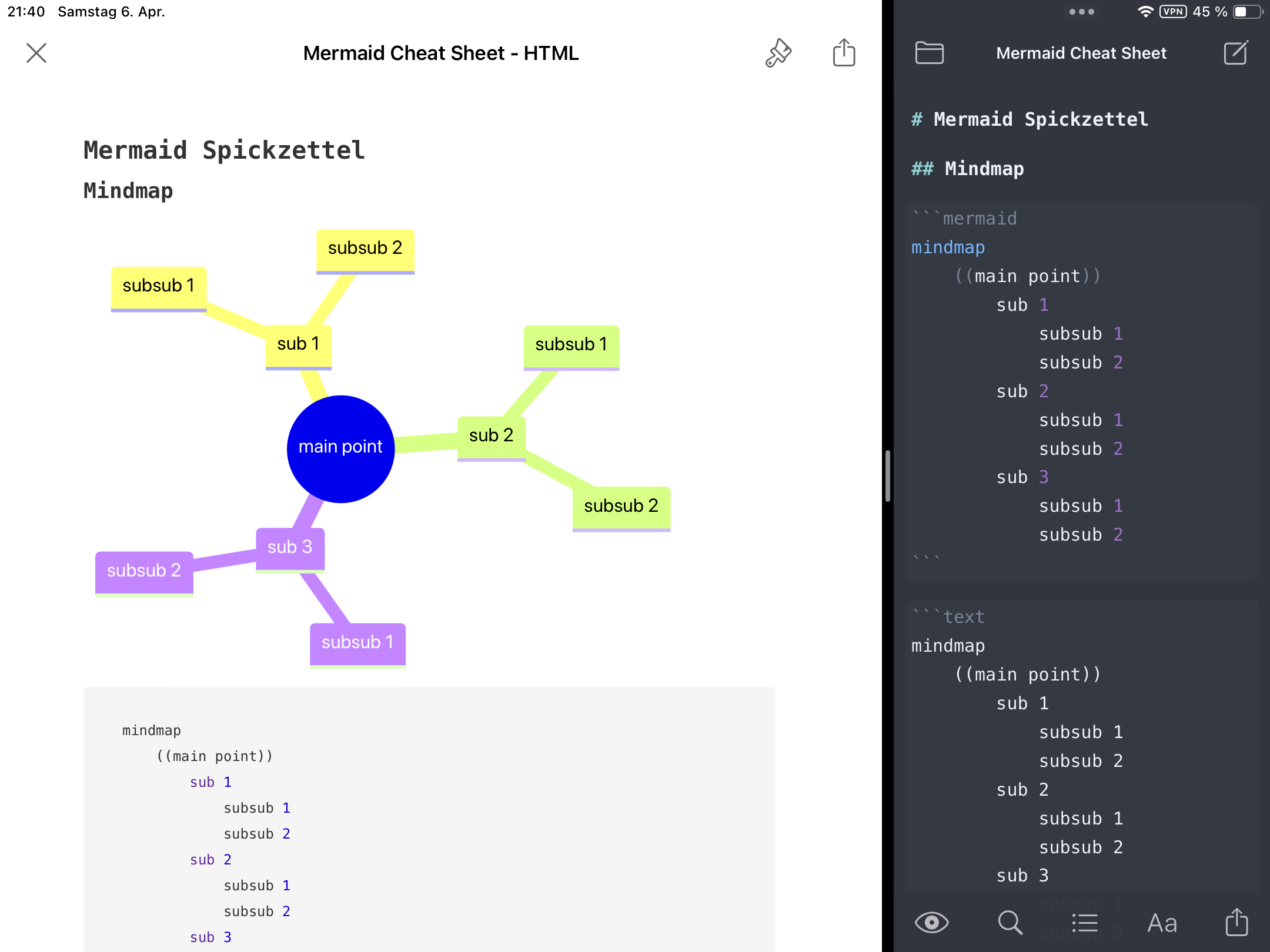
Durch einen Post im Fediverse bin ich auf Mermaid.js gestoßen, eine wunderbare Möglichkeit schnell und einfach verschiedene Diagrammtypen innerhalb eines Markdown Dokumentes zu erstellen. Die Syntax ist sehr einfach, aber trotzdem mächtig genug für komplexe Diagramme.
iWriter Pro auf dem iPad. Links die Live-Vorschau, rechts das editierte Markdown Dokument.
Netterweise unterstützen sowohl Visual Studio Code (mit einem Markdown Plugin) am PC und iWriter Pro auf dem iPad die Syntax, so dass ich wohl in Kürze im Unterricht darauf zurück greifen werde und meine kläglichen handschriftlichen Kritzeleien damit endlich ein Ende finden können.
Für die wichtigsten Diagrammtypen habe ich mir einen Spickzettel erstellt, den ich euch nicht vorenthalten möchte:
Da ich hin und wieder Tabellen in meinen Markdown-Dateien benötige, aber eigentlich immer wenig Lust habe diese händisch anzulegen, habe ich mir ein kleines Python-Skript erstellt, das die Arbeit für mich erledigt.
Mit einem „create-table.py Spalten Zeilen “ erhält man eine Tabelle mit der gewünschten Spalten- und Zeilenanzahl. So ergibt „create-table.py 3 4“ diese formschöne Tabelle direkt in der Konsole:
|   |   |   |
|---|---|---|
|   |   |   |
|   |   |   |
|   |   |   |
„create-table.py Spalten Zeilen Dateiname“ gibt die Tabelle nicht nur auf der Konsole aus, sondern speichert sie auch in einer Datei. Ich find’s praktisch.
Da ich dieses Halbjahr im Wahlpflichtfach Informatik nach langer Zeit mal wieder in Python programmieren wollte, habe ich meine Beispielprogramme einer kurzen Prüfung unterzogen. Bei einem Programm stutzte ich allerdings dann doch über die Ausgabe:
Twilight Sparkle hat 8 Panini Tüten gekauft.
Sie hat noch 0.3999999999999999 übrig.
Äh, what? Ich dachte eigentlich, dass Münzen kleiner als 1 Cent nicht mehr im Umlauf wären, der Halfpenny ist ja schon länger nicht mehr zu bekommen.
Tja, vermutich ein Bug in Pyto, der Entwicklungsumgebung, die der beste Schulträger von allen auf den iPads der Schüler installiert hat. Also schnell auf dem heimischen iPad mit Pythonista getestet: Gleiches Ergebnis.
Ok, es gibt ja noch a-shell, da ist auch ein Python mit dabei! Gleiches Ergebnis. Wie übrigens auch unter Python auf dem PC. Dort habe ich dann direkt noch etwas herumgespielt:
Kurz eingelesen und schlau gemacht: Rundungsfehler bei der Speicherung der Zahlen sind für die merkwürdigen Ergebnisse verantwortlich. Übrigens in fast allen Programmiersprachen, wie dieser wunderbaren Übersicht zu entnehmen ist.
Als Lösung kann man in Python das Modul „decimal“ verwenden, wie der Spickzettel vorschlägt. Ich glaube aber nicht, dass ich meinen SchülerInnen das vorschlagen werde, schließlich sind es allesamt Programmieranfänger. Außerdem tut es ihnen gut zu wissen, dass Computer zwar schneller rechnen können, aber nicht besser!
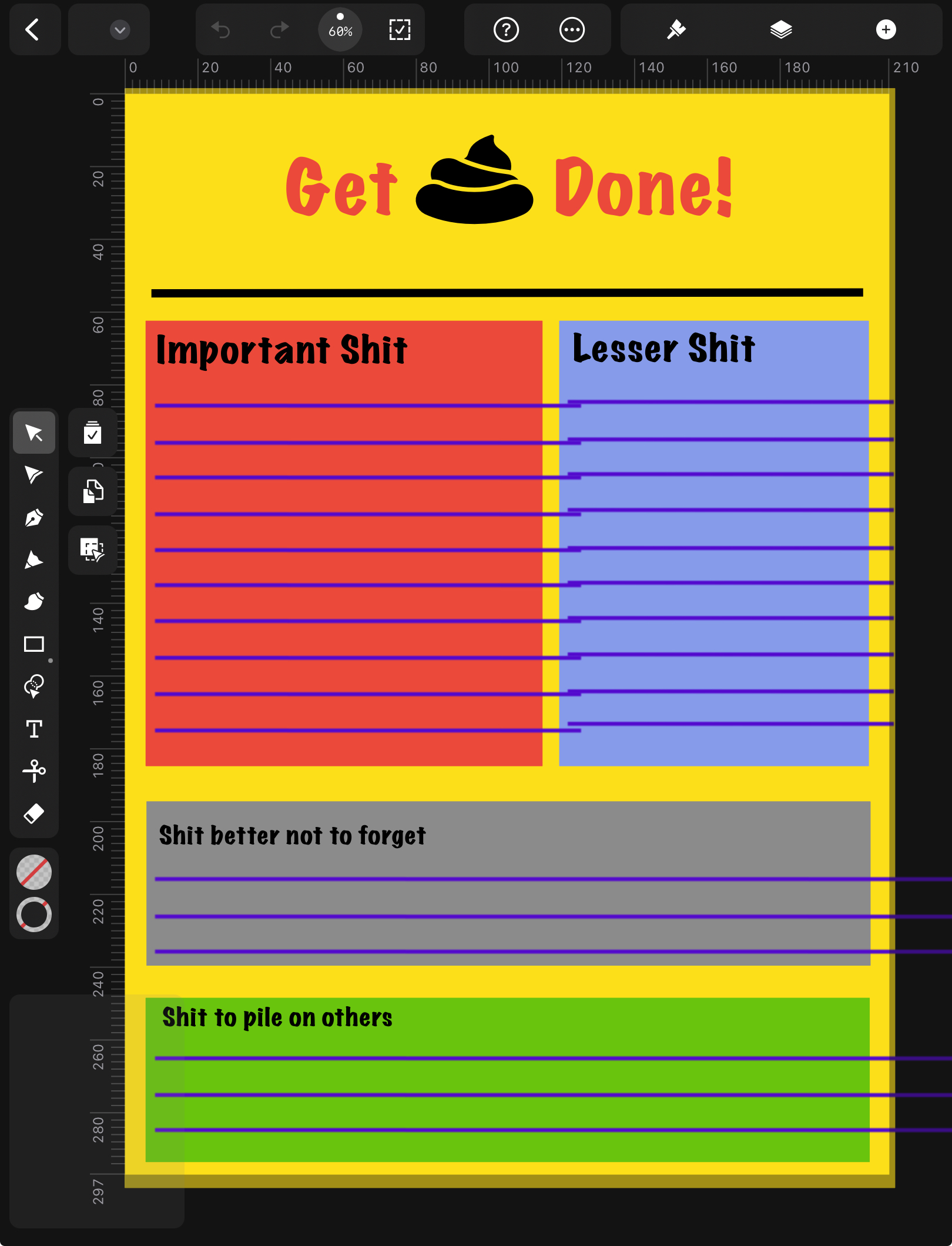
Für schnelle vektorbasierte Zeichnungen habe ich auf dem iPad lange Zeit Vectornator von Linearity benutzt. Mal eben schnell eine Skizze für ein Arbeitsblatt erstellen war damit im Handumdrehen erledigt. Die App war leicht zu bedienen und hatte gute Exportoptionen. Günstig war sie auch noch, weil sie weder Geld kostete noch Werbung einblendete. Anscheinend wollte der Hersteller erstmal Nutzer gewinnen und an sich binden. Das scheint Linearity auch auch gelungen zu sein, denn jetzt sollen die Kunden gemolken werden.
Die Oberfläche von Linearity Curve. Aufgeräumt und übersichtlich. Leider ist beim Wechsel von Vectornator zu Curve die Datei in Mitleidenschaft gezogen worden.
Mitte letzten Jahres wurde Vectornator zu Linearity Curve. Gleichzeitig wurde eine eigene Cloud und AI-Unterstützung angekündigt. Fast nebenbei kam dabei auch zur Sprache, dass die App in nicht allzu ferner Zukunft kostenpflichtig werden würde. Ansonsten änderte sich erstmal nichts, außer dass es massive Probleme mit dem Rollout der neuen Cloud gab. Diese Woche kamen dann erste Preisinfos vom Hersteller, die sich echt gewaschen haben:
Es gibt insgesamt drei Preis- bzw. Nutzergruppen:
Starter (kostenlos): 3 Dateien in Curve und 3 Dateien im Animationsprogramm Linearity Move. Das ist echt nicht viel, sogar ich als absoluter Gelegenheitsnutzer habe es in ca. 1,5 Jahren auf mehr als sechs Dateien gebracht.
Pro ($7.99/Monat bei jährlicher Abrechnung, sonst $11.99): Hier gibt es eine unlimitierte Anzahl von Dateien und priorisierten Support. Aber warum wird den Nutzern eine extra Cloud aufgezwungen wo es die Software sowieso nur im Apple-Universum gibt? Die iCloud existiert und funktioniert hervorragend.
Org: Für Organisationen und Unternehmen. Ask for price. Definitiv nicht für meine Zwecke.
Wenn man also Curve ab dem 15. Februar 2024 weiter nutzen möchte, das ist das angekündigte Datum des nächsten Updates, soll man fast $100 pro Jahr auf den Tisch legen. Zumindest wenn man nicht ständig Dateien extern sichern und aus der hauseigenen Cloud löschen möchte, um Platz für neue Skizzen zu schaffen.
Da die Einführung der Linearity Cloud schon eher ruppelig verlief und ich neben iCloud und pCloud nicht noch eine weitere Cloud brauche – ganz zu schweigen von den hohen Kosten für meine geringen Ansprüche – musste eine Alternative her.
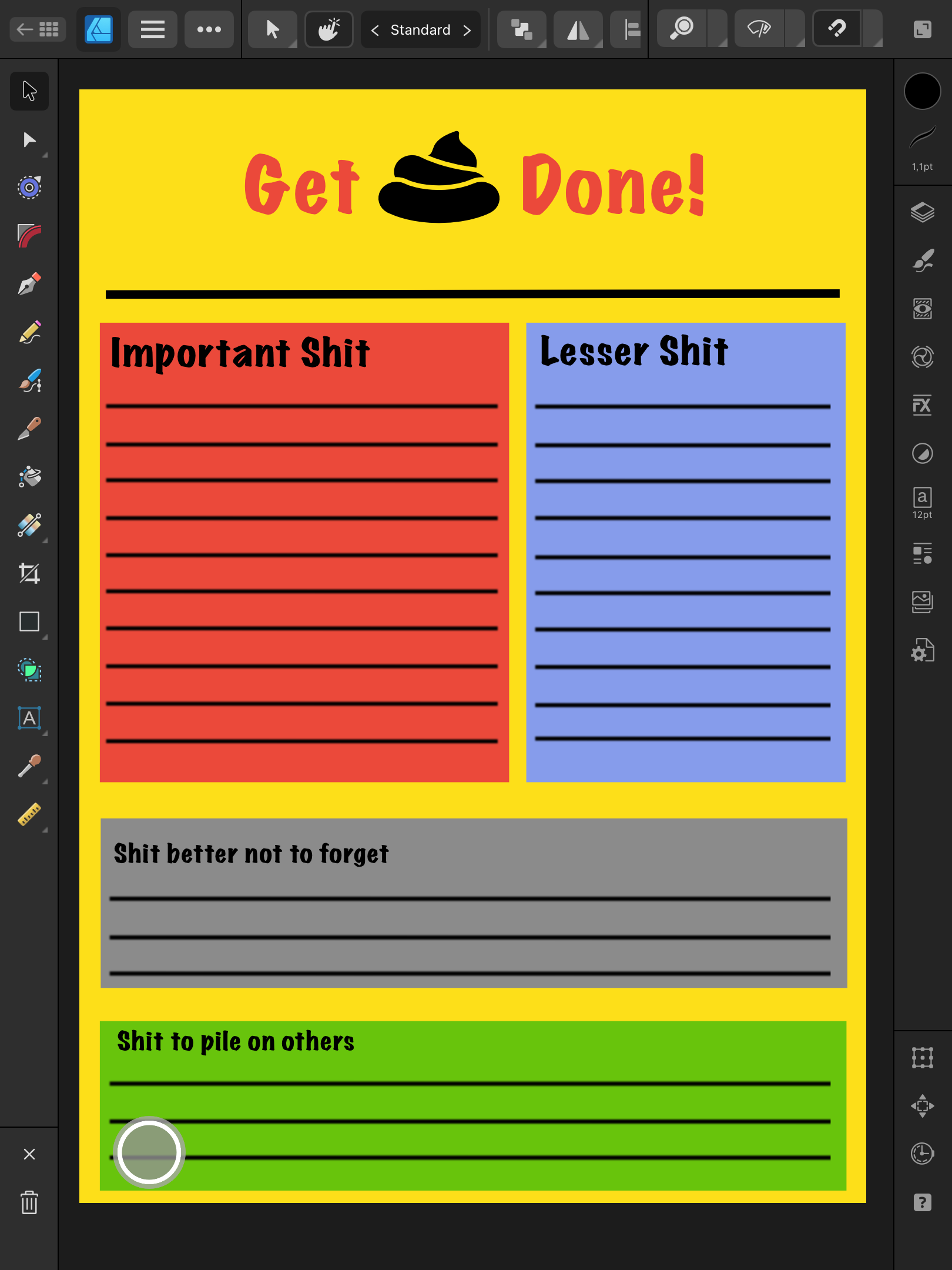
Mit Affinity Designer 2 war die auch schnell gefunden. Zwar ist die Benutzeroberfläche bei weitem nicht so aufgeräumt wie bei Curve, aber dafür ist sie fast identisch zu der von Affinity Photo 2, was ich zum Entwickeln und Bearbeiten von Fotos auf dem iPad benutze. Ähnliche Werkzeuge liegen an vergleichbaren Stellen und die Bedienkonzepte unterscheiden sich nur geringfügig. Der Funktionsumfang übersteigt meine bescheidenen Fähigkeiten bei Designer 2 genau so wie bei Curve.
Die Oberfläche von Affinity Designer 2. Nicht ganz so aufgeräumt aber trotzdem gut zu verwenden.
Der Export aus Curve und Import in Designer 2 (via SVG) funktionierte problemlos. Nur bei einer Datei musste ich etwas nacharbeiten. Hier war aber auch schon beim Umstieg von Vectornator zu Curve etwas durcheinander gekommen: Netterweise nichts, was nicht innerhalb von einigen Minuten zu korrigieren war.
Und das Erfreulichste: Designer 2 kommt als Einzelkauf ohne Abo-Zwang zu einem Bruchteil des Preises von Curve.
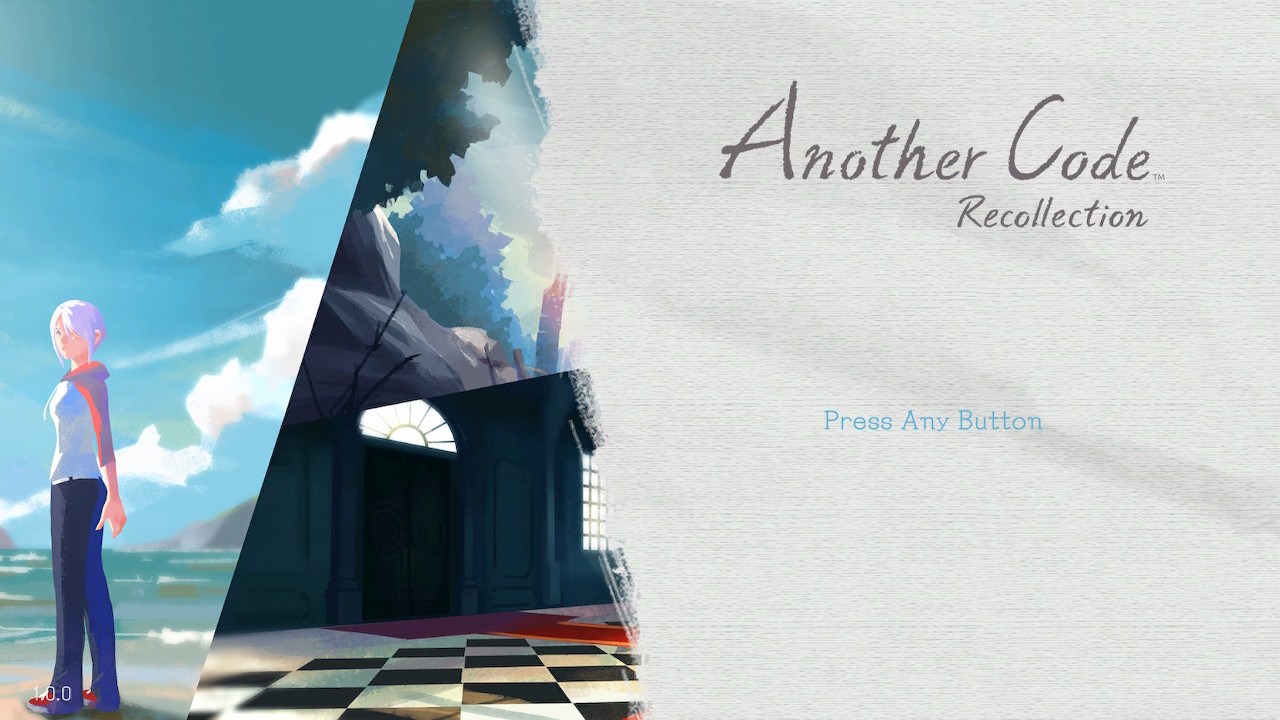
Es ist immer wieder schön wenn kleinere und relativ unbekannte Spiele durch ein Remake wieder verfügbar werden oder vielleicht sogar in manchen Regionen erstmals erscheinen. So ist es auch bei Another Code: Recollection.
So wird aus den zwei separaten Geschichten um Ashley Mizuki Robins Erinnerungen an ihre ermordete Mutter eine runde und vollständige Erzählung.
Spiel
Erzählung ist hier das wichtige Stichwort. Es handelt sich bei Another Code weniger um ein klassisches Point-and-Click Adventure, sondern vielmehr um eine nicht ganz lineare Visual Novel mit Rätselelementen.
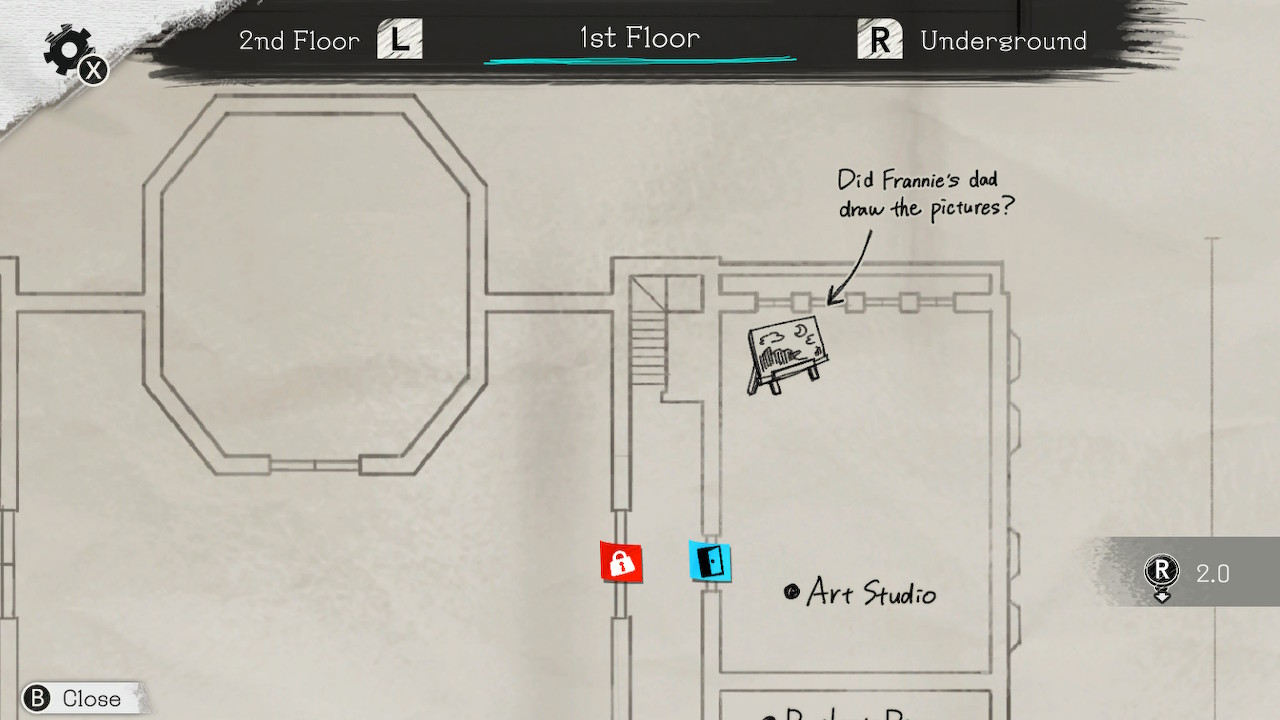
Die Karte wird automatisch ergänzt und mit Notizen versehen. Gut aussehen tut sie auch noch.
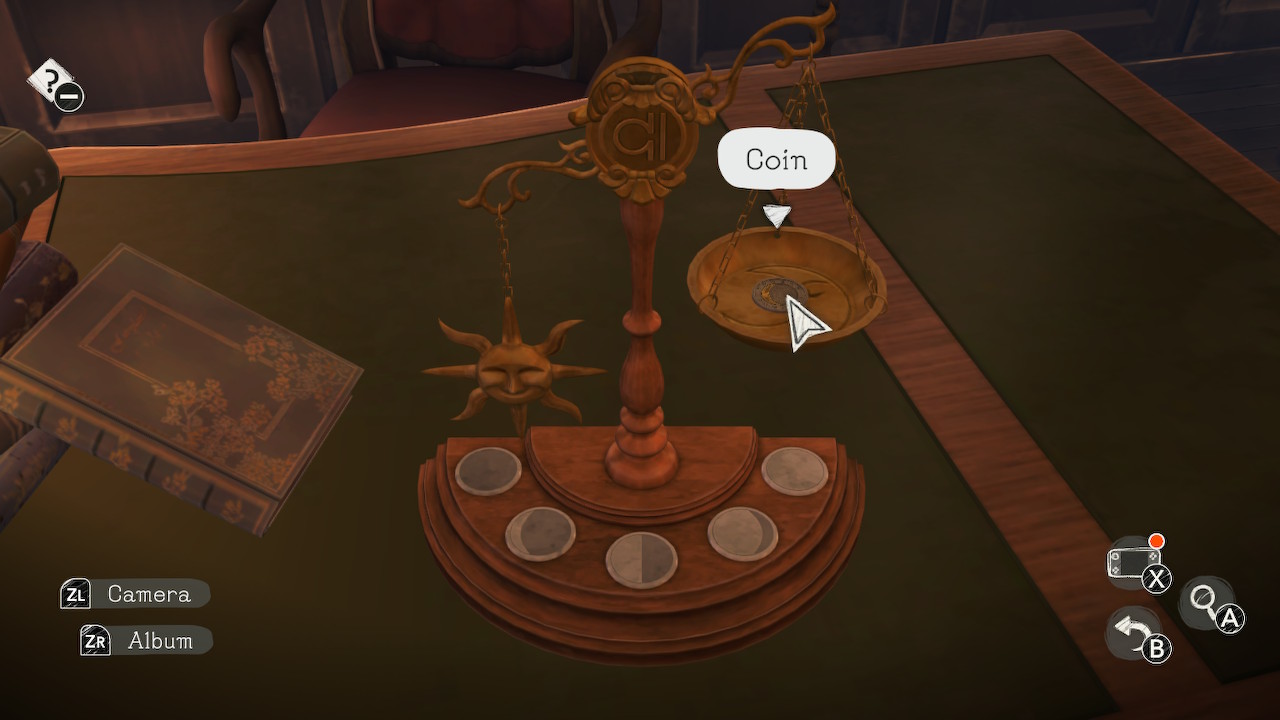
Die Rätsel selbst sind immer logisch aufgebaut und erfordern eine gute Beobachtungsaufgabe in der wunderschön gestalteten Welt. Die Hinweise sind nicht allzu schwer versteckt und falls der Groschen trotzdem nicht fallen sollte: Es gibt ein progressives Hilfesystem direkt im Spiel. Dieses kann den Spieler auch sehr gut zum nächsten Ziel navigieren, falls man vergessen hat wo es als nächstes weitergeht. Kann ja mal passieren.
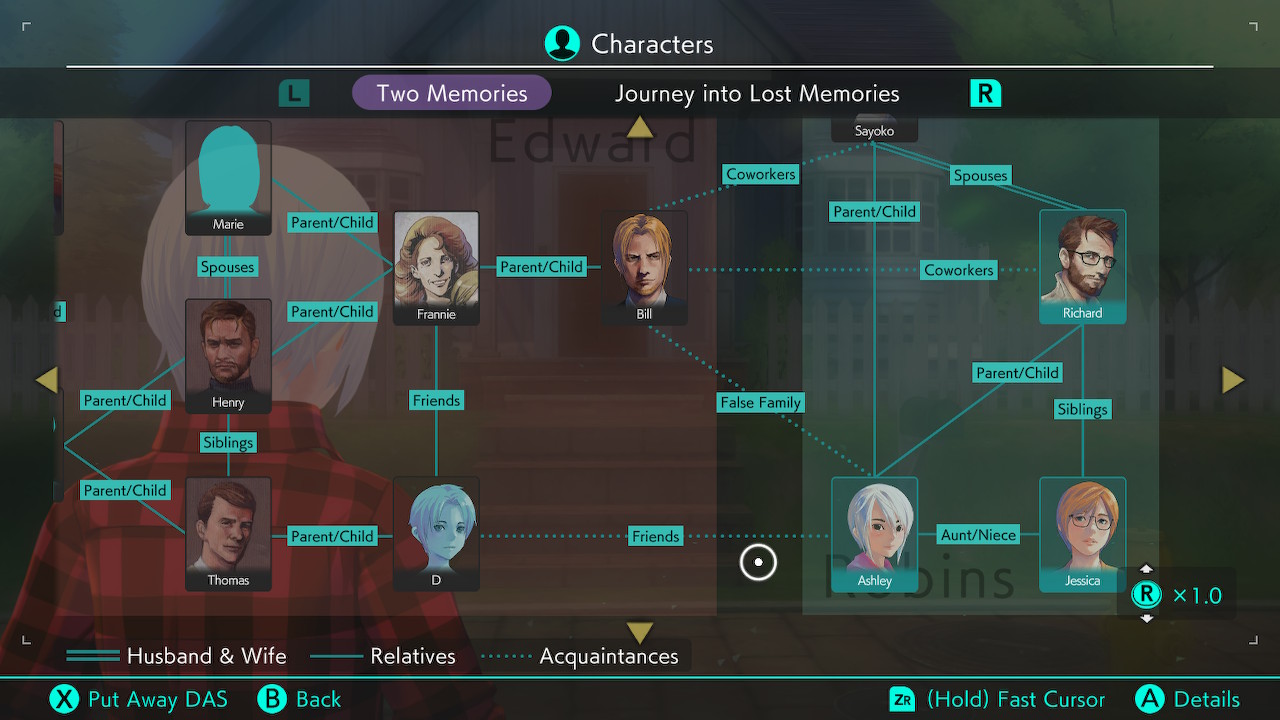
Sämtliche Beziehungen der im Spiel auftretenden Charaktere werden im einem automatisch angelegten Beziehungsnetz festgehalten. Dort kann man auch interessante Details zu Personen finden, die man sonst vielleicht übersehen hätte. Die Infos werden bei neuen Erkenntnissen regelmäßig aktualisiert, es lohnt sich also öfter mal vorbei zu schauen.
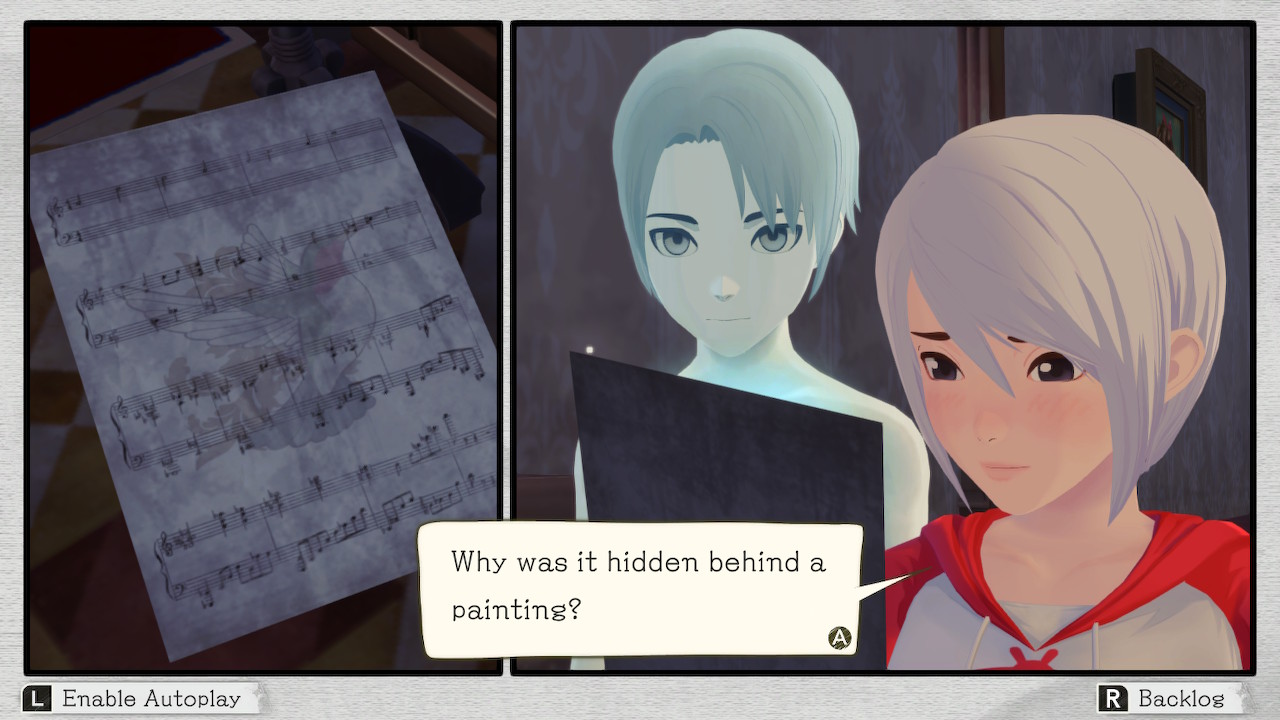
Ein Teil eines Rätsels im Detail.
Das Spiel lebt hauptsächlich von seiner Atmosphäre, die selten bedrohlich ist sondern meist nachdenklich stimmt. Man möchte wissen, was genau in der Mordnacht passiert ist (1. Teil) und warum Sayoko damals kurz nach der Geburt ihrer Tochter den kleinen Ort am Lake Juliet aufsuchte (2. Teil des Spieles). Darüber hinaus ist die Hauptperson Ashley wunderbar geschrieben und ein gutes Beispiel für eine starke weibliche Hauptfigur.
Grafik und Sound
Grafik und Sound wurden für das Remake überarbeitet. Der Spieler steuert Ashley durch eine dreidimensionale Umgebung, die grafisch an ein Aquarell erinnert. Mir gefällt das sehr, vor allem durch die gedeckten Farben ohne direkt ins pastellige auszubleichen. Die musikalische Untermalung hält sich dezent im Hintergrund und setzt nur geringe Akzente. Das passt sehr gut zur zurückhaltenden Erzählweise des Spieles. Zusätzlich wurde das gesamte Game mit Voiceacting (nur in Englisch und Japanisch) ausgestattet.
Das Beziehungsgeflecht des ersten Teils.
Fazit
Mir hat Another Code: Recollection viel Spaß gemacht. Es ist eine schöne Coming-Of-Age Geschichte mit etwas Science, etwas Paranormal and schlicht und ergreifend realistisch beschriebenen Teenager-Eltern Konflikten und Missverständnissen. Über einen weiteren Teil würde ich mich auch sehr freuen!
Da es heute erfreulicherweise weder regnete noch besonders kühl war, wurde die Chance genutzt am Nachmittag im Duisburger Landschaftspark Nord (kurz LaPaDu) eine kleine Photo-Tour zu unternehmen.
Also schnell die Samsung NX3000 aufgeladen und los ging es. Durch die schon recht tief stehende Sonne entstanden ein paar nette Bilder:
Vor mehr als einem Jahr hatte ich No Man’s Sky das letzte mal gespielt. Kein Wunder, dass ich mich an exakt gar nichts mehr erinnern konnte als ich über die Ferien wieder Lust auf Entdeckungsreisen im All bekam. Also kurzerhand ein neues Save gestartet und, um den ganzen Grind rauszunehmen, die Schwierigkeit extrem nach unten angepasst: keine Kosten, keine aggressiven Aliens, möglichst wenig Piraten. Einfach relaxed entdecken, bauen und der Story folgen.
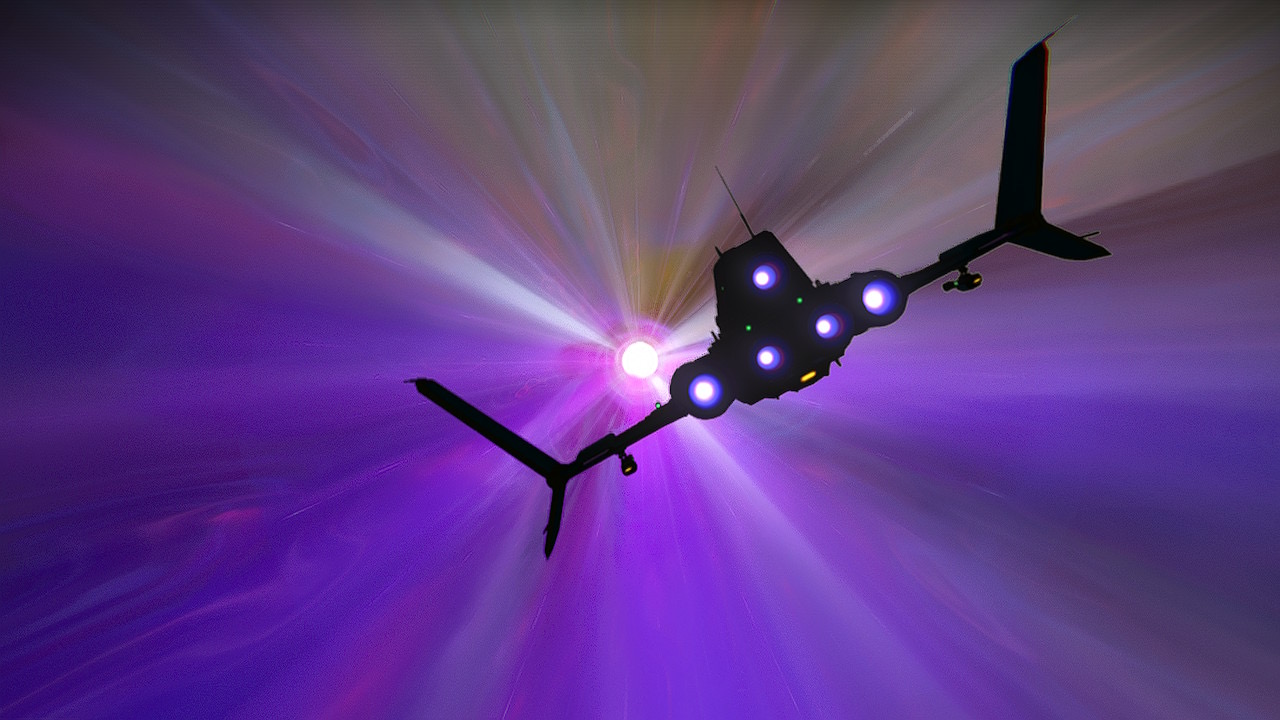
Auf zu neuen Galaxien!
Alles auf Anfang
So, also alles noch einmal von vorne begonnen. Ohne Grind. Was soll ich sagen: der Verzicht auf das ständige Resourcenmanagement lässt mich das Erkunden viel mehr genießen. Ok, Puristen werden mit meiner Entscheidung wohl nicht leben können, aber das müssen sie auch nicht. Mir macht es Spaß. Ich komme vorwärts in der Story, brauche mir um die Luftkämpfe mit den Piraten kaum Sorgen zu machen (fliegen und kämpfen im dreidimensionalen Raum habe ich schon zu Zeiten von *Descent* nicht hinbekommen). Ich kann Basen bauen wo und wann ich will und entdecke die coolsten und fremdartigsten Lebewesen mit Tentakeln.
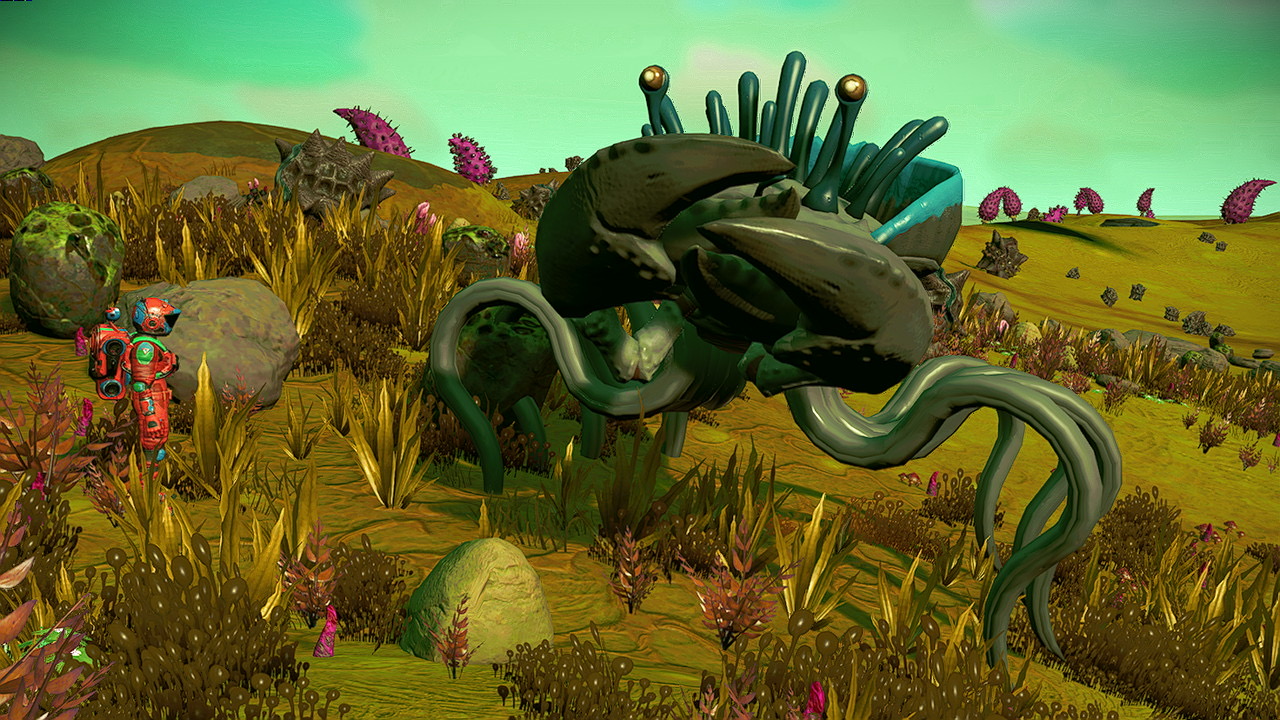
Tentakelkrabbe
Anderer Planet, wieder Tentakelaliens. Bei meinem ersten Save hatte ich nicht so viel Glück, bei diesem Save läuft es auch hier besser.
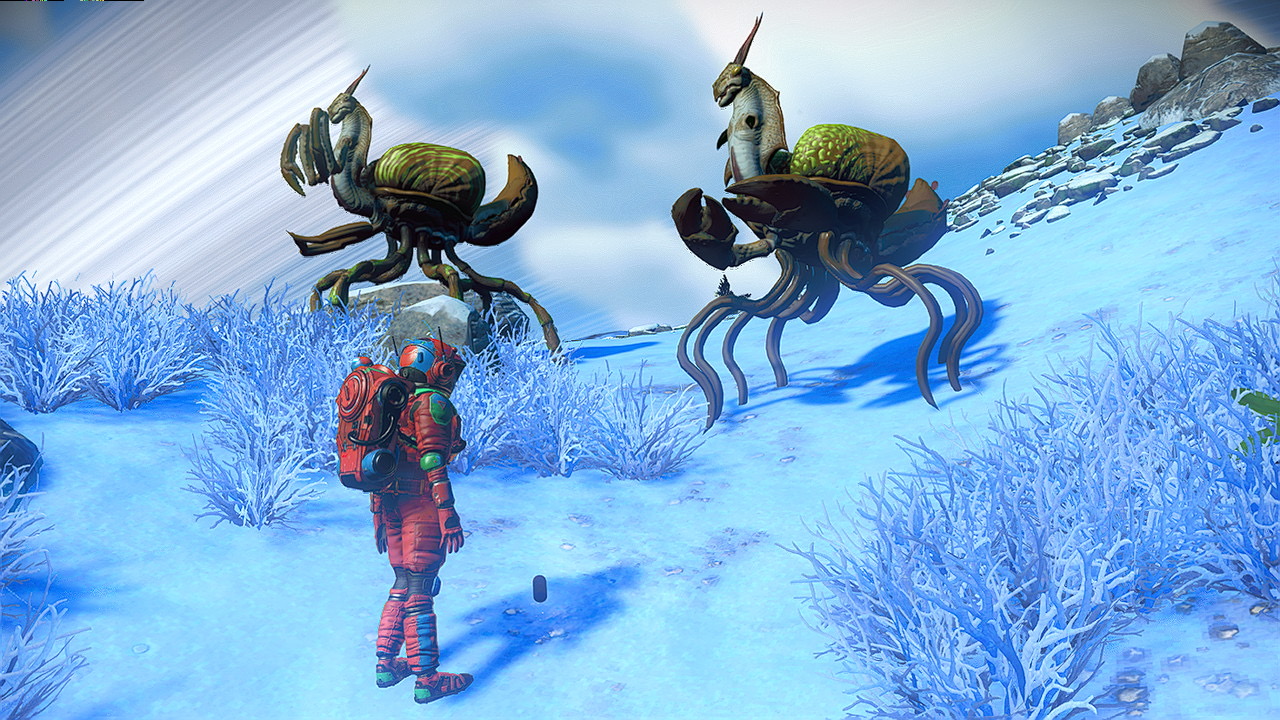
Tentakelgottesanbeterin
So viel zu entdecken!
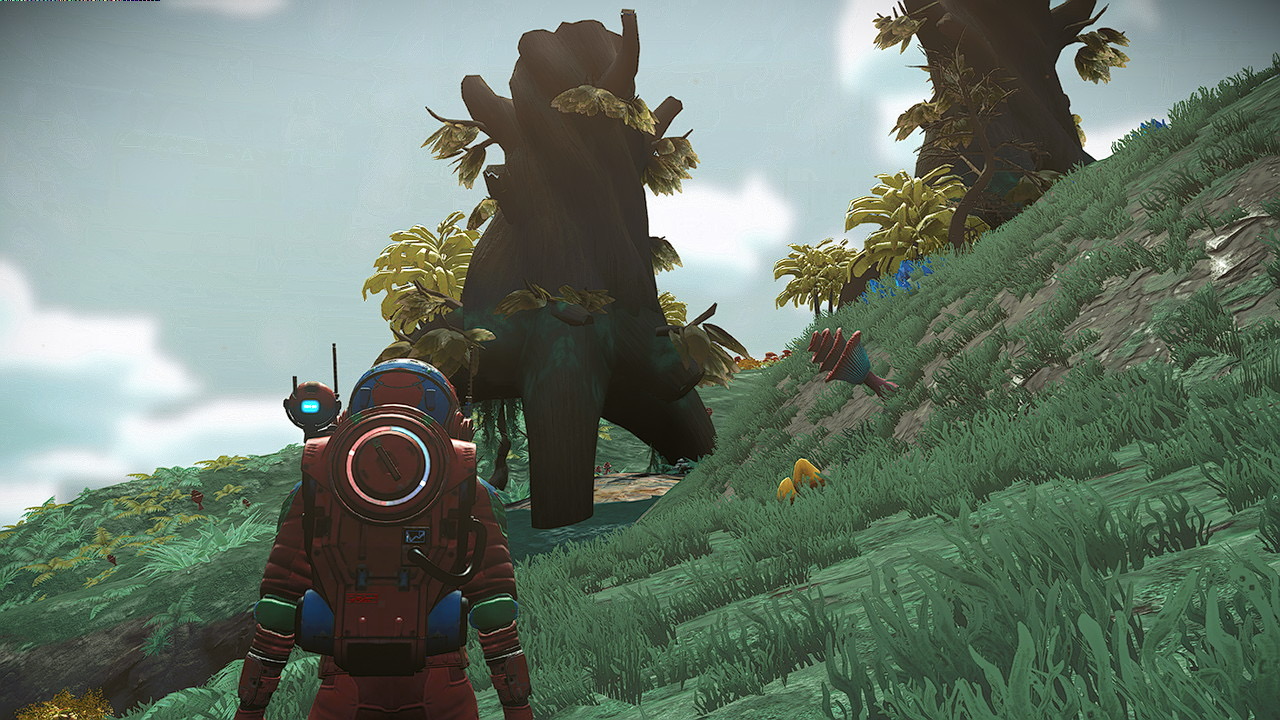
Natürlich ist auch der Rest der Planeten interessant. Es gibt grandiose Flora zu sehen:
Bäume?
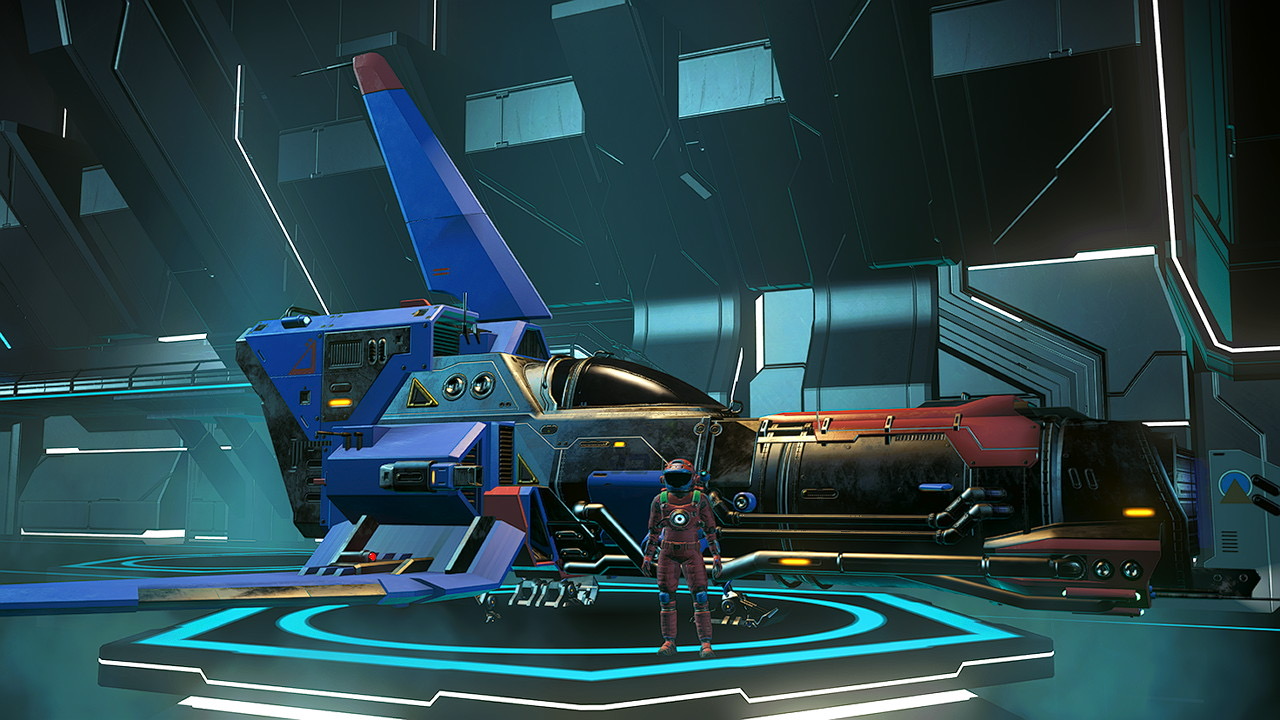
Wenn man lange genug sucht, findet man auch coole gecrashte Flugobjekte, die man nach der Reparatur sein Eigen nennen darf. So bin ich zu Beipiel zu diesem Flitzer hier gekommen:
Weltraumflitzer
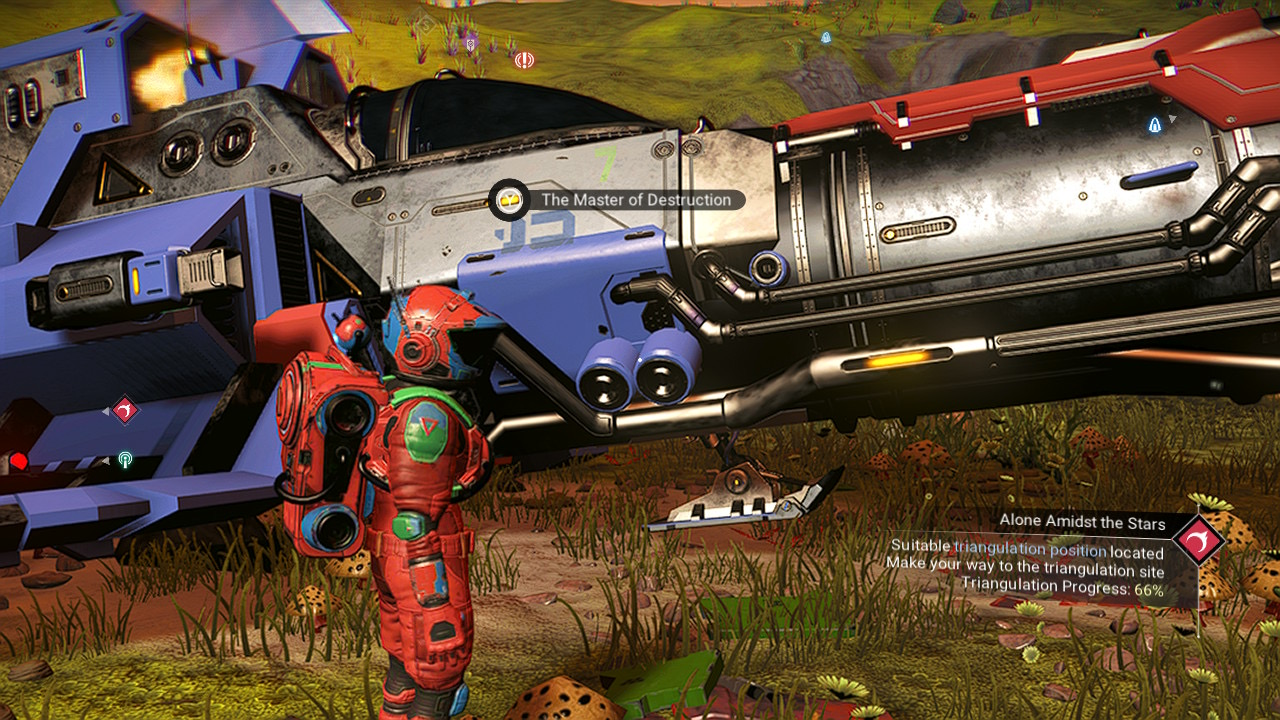
Hier noch an der Fundstelle vor der Reparatur:
Weltraumflitzer, gecrasht
Die *Master of Destruction* machte zumindest im ersten Kampf gegen Piraten (um den ersten Weltraumfrachter zu bekommen, also eine Story-Mission und kein selbstgewählter Raumkampf) eine gute Figur. Zumindest eine bessere als ihr Pilot.
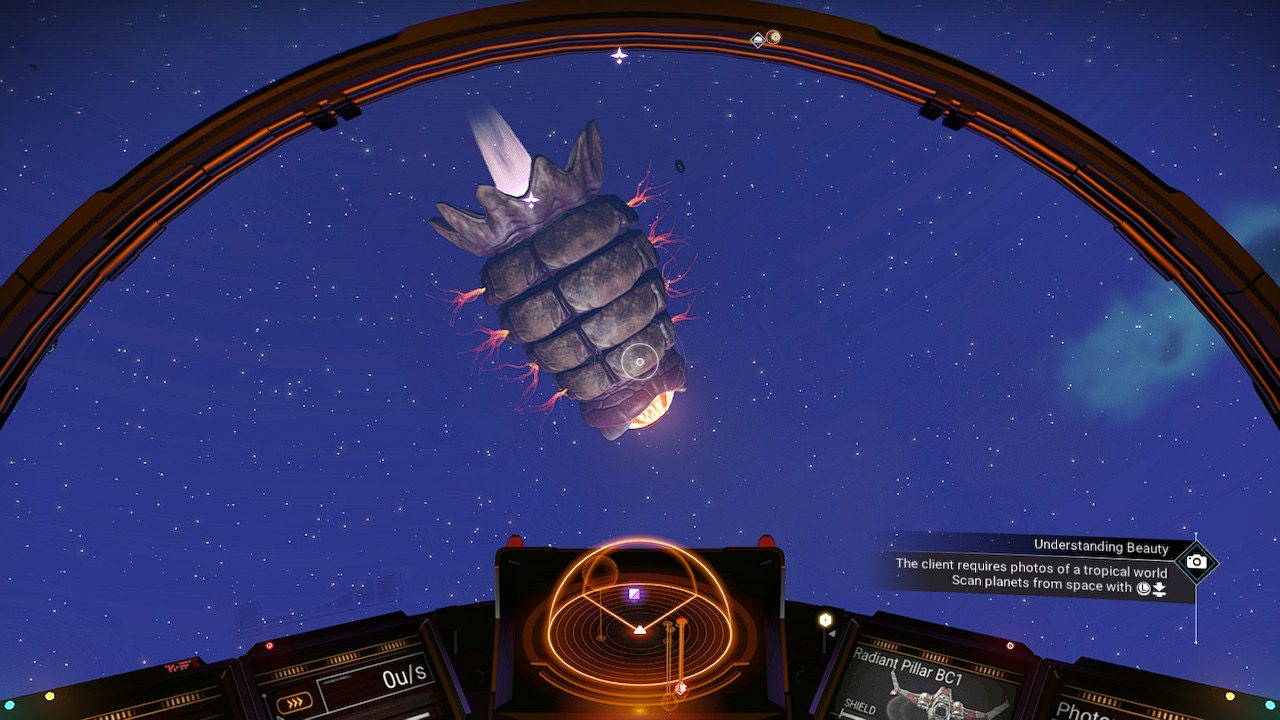
Allerdings lassen sich nicht alle Gegner im Weltraum erledigen, wie ich feststellen musste als ich mich mit dieser Weltraumlarve anlegte:
Weltraumlarve
Was für ein häßliches und anscheinend unsterbliches Wesen!
Interessanterweise habe ich eine kleinere Version dieses Aliens auf einem Wasserplaneten unter Wasser finden können. Kein Foto davon, denn das Spiel stürzte direkt ab, als ich die Fotofunktion startete. Schade, aber wenigstens habe ich kaum Spielfortschritt verloren.
Fotos!
Überhaupt, *No Man‘s Sky* ist das erste Spiel, bei dem ich die Fotofunktion regelmäßig nutze und nicht nur einfach Screenshots anfertige. Es gibt einfach so viele coole Dinge zu entdecken und festzuhalten.
Ich fand ja vor einigen Jahren Octopath Traveler schon wunderschön. So schön, dass ich neben der Limited Edition Box das Spiel auch digital gekauft habe.
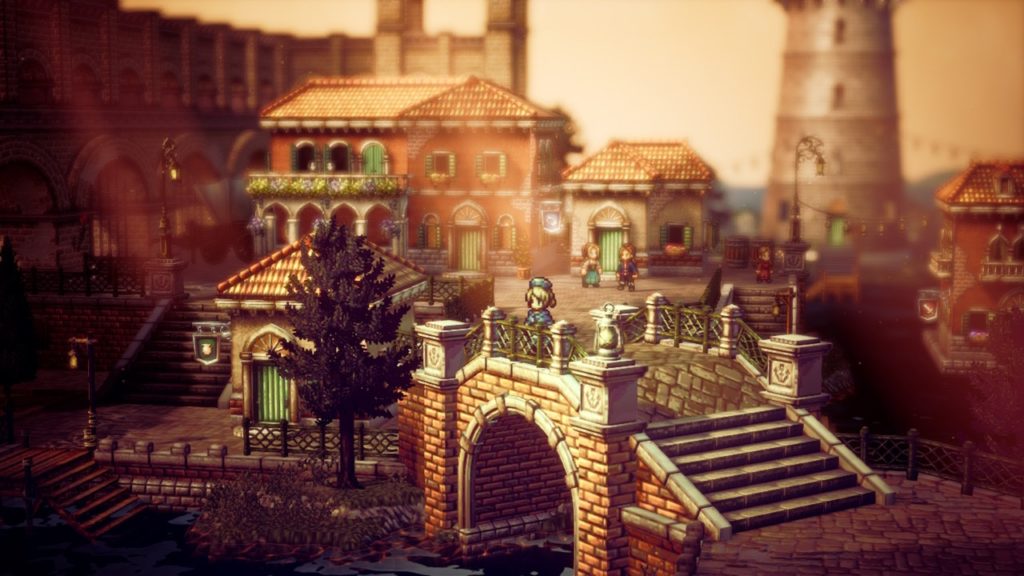
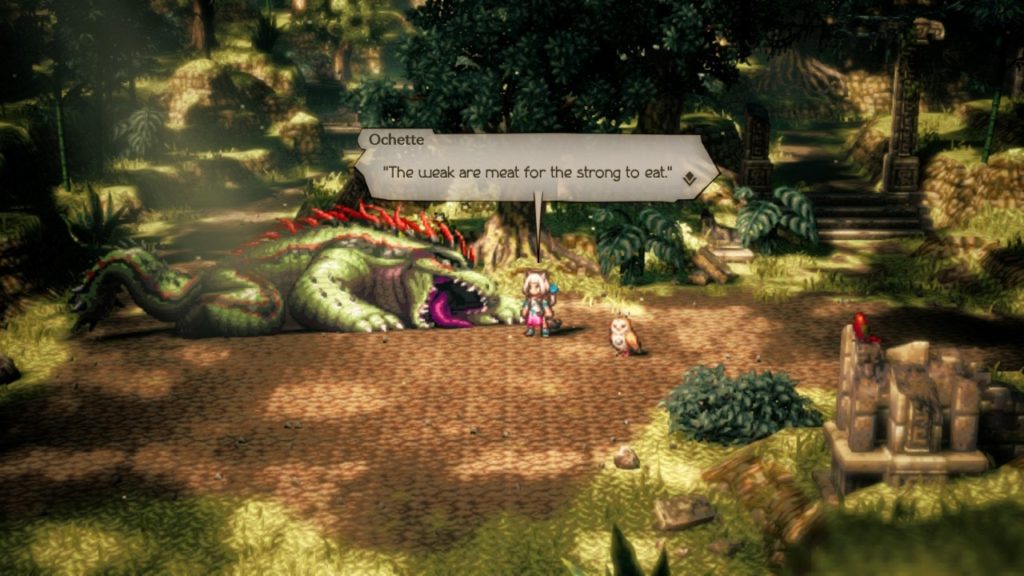
Tja, Octopath Traveler 2 kam dieses Jahr zwar ohne eine Sonderedition, sieht dafür aber genauso schön aus. Auch die Stories der einzelnen Reisenden sind wieder sehr gut geschrieben. Drei der Traveler muss ich noch in mein Team aufnehmen, aber ich glaube nicht, dass mich deren Geschichten enttäuschen können.